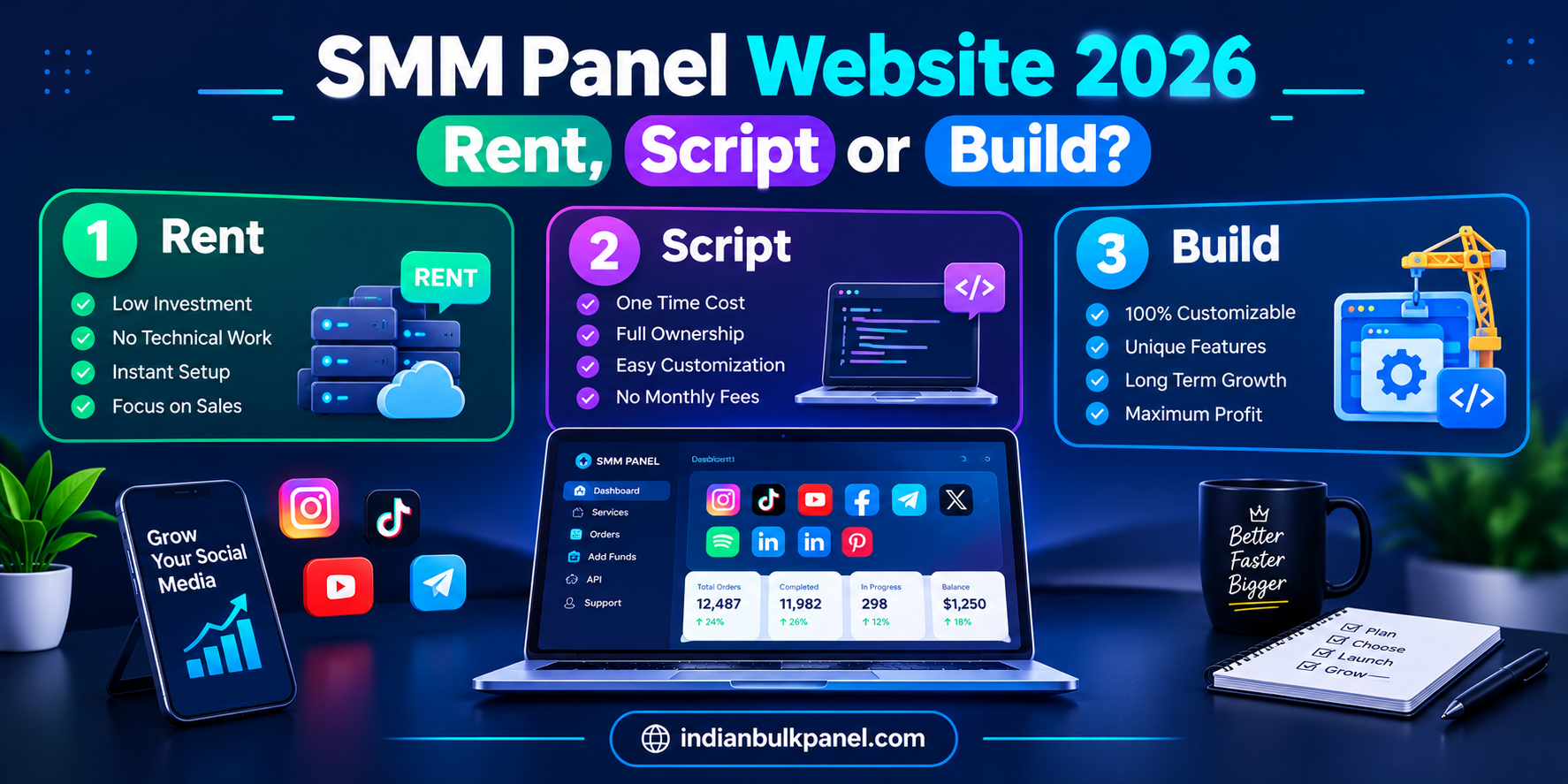
SMM Panel Website 2026: Rent, Script, or Build?
Reading Time: 10 minutes | 👤 Author: Dilnawaz Alam | 📅 Updated: October 2026
Arjun had a working reseller business. Clients were buying, margins were fine. The problem was control.
His clients saw the parent's branding on every order. His pricing was capped by the parent's catalog. When the parent had an outage, his storefront went dark. When the parent changed its API, his automated ordering broke for three days.
He wasn't running an SMM panel. He was running a storefront on someone else's panel.
This guide covers what actually goes into building an SMM panel website you control — the parts that matter, the routes you can take, and the mistakes that cost first-time operators their first month's revenue.
If you're new to the SMM model itself, our SMM panel fundamentals guide covers the basics before you get into website-building specifics.

Quick Answer: SMM Panel Website Explained (30sec)
What is an SMM panel website? A storefront where customers buy engagement at retail prices while the site automatically forwards orders to a wholesale provider via API. The site handles catalog, payments, tracking, and refunds; the provider handles delivery.
What are the four parts of a working panel? Storefront (what customers see), provider bridge (pushes orders to the provider), dispatcher (polls status and handles refunds), and the money (balances, top-ups, history). Only the first is visible from outside.
How much does it cost to launch? About $100–$300: a script or rental plus a prepaid provider balance for testing. Rentals run $5–$50/month; scripts cost $13–$169 once. Connecting to a stable wholesale backend like IndianBulkPanel gives you access to direct wholesale rates and sub-second REST API order forwarding.
Rent, buy, or build? Rent to test demand. Buy a script if committed and want ownership. Build custom only when hitting platform limits. Learn more about operating parameters in our reseller infrastructure guide.
1. What a Panel Website Actually Does
When someone says they'll "build a panel over the weekend," they mean the first part. The other three decide whether it keeps working while you sleep.
| Part | What It Does | Visible? |
|---|---|---|
| Storefront | Catalog, cart, account, order form | Yes |
| Provider Bridge | Pushes orders to provider API, stores order ID | No |
| Dispatcher | Polls status, handles refunds, prevents double-submission | No |
| The Money | Balances, payments, top-ups, history | Partially |
The storefront is the cheapest piece. The bridge, dispatcher, and payment handling take months — and most of that goes into edge cases nobody thinks about on day one. When providers change APIs or payment gateways change protocols, the invisible parts are what break.
For the reseller margin side, our reseller infrastructure guide covers client management beyond the website.

2. The Four Routes to Launch
| Route | Time | Cost | Ownership | Best For |
|---|---|---|---|---|
| Hosted Rental | A day | $5–$50/month | None | Testing demand |
| Self-Hosted Script | Hours | $13–$169 once | Full code | Committed operators |
| Child Panel | An hour | Little or nothing | Storefront only | Demand validation |
| Custom Build | Weeks to months | Development cost | Full control | Hitting platform limits |
Hosted rental launches in a day. You never own the code, but you never handle server maintenance.
Self-hosted script gives you the code. You get full ownership and any payment gateway — but hosting and updates are on you.
Child panel is your storefront, not your panel. The catalog, branding, and customer base live with the provider — along with their ability to stop serving you.
Custom build is for operators hitting the limits of rented or scripted panels. Months of development, but full source ownership.
3. Choosing a Wholesale Provider
The panel is only as reliable as the provider it resells from.
| Factor | Why It Matters |
|---|---|
| API stability | A provider whose API changes without notice will break your ordering |
| Refill policies | Refill length matters more to end customers than raw price |
| Multiple providers | One outage shouldn't take your entire catalog offline |
| Funded upstream balance | An empty provider balance means silent order failures |
The best provider bridge treats the connection as swappable configuration, not a hardcoded dependency. Switching providers should require a config change and a cache clear — not a rebuild. Connecting your frontend to an enterprise backend like IndianBulkPanel ensures high uptime, non-drop service stability, and sub-second REST API dispatch.
4. The Payment Layer
This is where mistakes cost the most.
| Mistake | What Happens | Fix |
|---|---|---|
| No manual-payment approval | Fraudulent "I paid" claims | Require owner approval for manual top-ups |
| Bare PHPmail() for notifications | Deposit confirmations silently spam-filtered | Use real SMTP or transactional email |
| No audit trail | Disputes become unresolvable | Log approvals, rejections, and history clears |
Cards and crypto are the reliable rails. Add local gateways where clients need them — UPI in India, bKash in Bangladesh, M-Pesa in Kenya. PayPal is structurally unreliable in this market.
For Indian operators, our UPI payment guide covers the verification flows that support instant panels.
5. What It Really Costs
| Layer | Option | Price | Trade-off |
|---|---|---|---|
| Storefront | Hosted rental | $5–$50/month | Live in a day, no code ownership |
| Storefront | Self-hosted script | $13–$169 once | Full ownership, maintenance on you |
| Delivery | Provider prepaid balance | Wholesale per 1K | Refill terms vary |
| Payments | Cards, crypto, local gateways | Fees per payment | PayPal unreliable |
Startup cost runs about $100–$300. The biggest risk isn't software cost — it's funding a large balance before testing delivery. Measure first, then scale. Review our live real-time service directory to audit wholesale baseline rates.
6. Common Mistakes First-Time Owners Make
| # | Mistake | Consequence | Fix |
|---|---|---|---|
| 1 | Single provider, no fallback | Catalog goes down with one outage | Run two providers |
| 2 | Bare PHPmail() for financial emails | Deposit confirmations silently dropped | Real SMTP service |
| 3 | No manual-payment approval | Fraudulent top-ups | Owner approval required |
| 4 | No referral system | Missing the biggest organic growth channel | Build referral bonuses |
| 5 | No audit trail on payments | Disputes become unresolvable | Log every action |
| 6 | Large provider balance before testing | Money stuck if delivery fails | Test with smallest balance first |
7. How to Test Before Signing Clients
Verify that your provider bridge dispatches cleanly to the upstream API.
Ensure the background cron/dispatcher polls statuses from Pending to Completed.
Simulate a cancelled order to confirm wallet balances refund accurately.
Check that payment gateway webhooks update user balances without double-crediting.
| Step | Action | What to Check |
|---|---|---|
| 5 | Test email notifications | Do deposit confirmations arrive in inbox? |
| 6 | Check provider balance | Is the upstream account funded? |
A panel that's live but whose upstream balance is empty will silently fail. The storefront looks fine. The order form works. But nothing delivers.
Want to test reseller tools first? Visit IndianBulkPanel and explore the reseller dashboard.
8. Rent vs Buy vs Build
| Your Stage | Best Route | Why |
|---|---|---|
| Testing demand | Hosted rental or child panel | Live in a day, minimal cost |
| Committed, want ownership | Self-hosted script | Full code, any gateway |
| Hitting limits | Custom build | Specific features, full source |
| Agency with clients | Script or custom | Sub-accounts, mass orders, API |
Start with a rental to validate demand. Build custom only when the volume justifies it.
9. Red Flags
🔥 CRITICAL RISK MONITOR: Website & Script Red Flags
| Red Flag | Why It's Dangerous | Risk |
|---|---|---|
| Nulled/cracked scripts | Modified code on your server; customer data accessible | 🔴 Critical |
| Provider API without docs | Integration is guesswork | 🔴 Critical |
| Single provider | Outage takes catalog offline | 🟡 High |
| No payment audit trail | Disputes unresolvable | 🟡 High |
| No manual-payment approval | Fraudulent top-ups | 🟡 High |
| Bare PHPmail() | Financial emails dropped | 🟡 High |
10. FAQ (12 Questions)
| 1. What is an SMM panel website? | A storefront where customers buy engagement at retail prices while the site forwards orders to a wholesale provider via API. |
| 2. What are the four parts of a working panel? | Storefront, provider bridge, dispatcher, and the money (balances and payments). |
| 3. How much does it cost to launch? | About $100–$300: a script or rental plus a prepaid provider balance for testing. |
| 4. Should I rent, buy a script, or build custom? | Rent to test demand. Buy a script if committed. Build custom only when hitting limits. |
| 5. What is a child panel? | A storefront powered by a parent provider's API. Launches in an hour, but the catalog and customer base depend on the provider. |
| 6. What's the biggest mistake first-time owners make? | Funding a large provider balance before testing delivery. Also launching on a single provider with no fallback. |
| 7. Why do panel emails sometimes not arrive? | Bare PHPmail() on shared hosting gets silently spam-filtered. Real SMTP fixes this. |
| 8. What payment methods should a panel accept? | Cards and crypto are reliable. Add local gateways where clients need them — UPI, Paytm, bKash, M-Pesa. PayPal is unreliable. |
| 9. How do I grow an SMM panel website? | Reseller-to-reseller referral is the highest-leverage channel. SEO for panel-specific searches brings direct signups. |
| 10. What is a provider bridge? | The code that pushes orders to a provider's API and stores the returned order ID. |
| 11. Is it legal to run an SMM panel? | The services generally sit outside platform terms of service. It's an established market, but carries platform risk. |
| 12. What's the best route for a first-time owner? | Start with a hosted rental or child panel. Move to script or custom only after confirming volume. |
11. Conclusion
An SMM panel website isn't a storefront with a payment button. It's four parts working together — the storefront, the bridge, the dispatcher, and the money. Only the first is visible from outside. The other three decide whether the panel keeps working while you sleep.
Top Picks Summary
| Need | Best Route | Key Consideration |
|---|---|---|
| Testing demand | Hosted rental or child panel | Live in a day, minimal cost |
| Committed, want ownership | Self-hosted script | Full code, maintenance on you |
| Hitting limits | Custom build | Specific features, full source |
| Agency with clients | Script or custom | Sub-accounts, mass orders, API |